
User Guide
Browse page
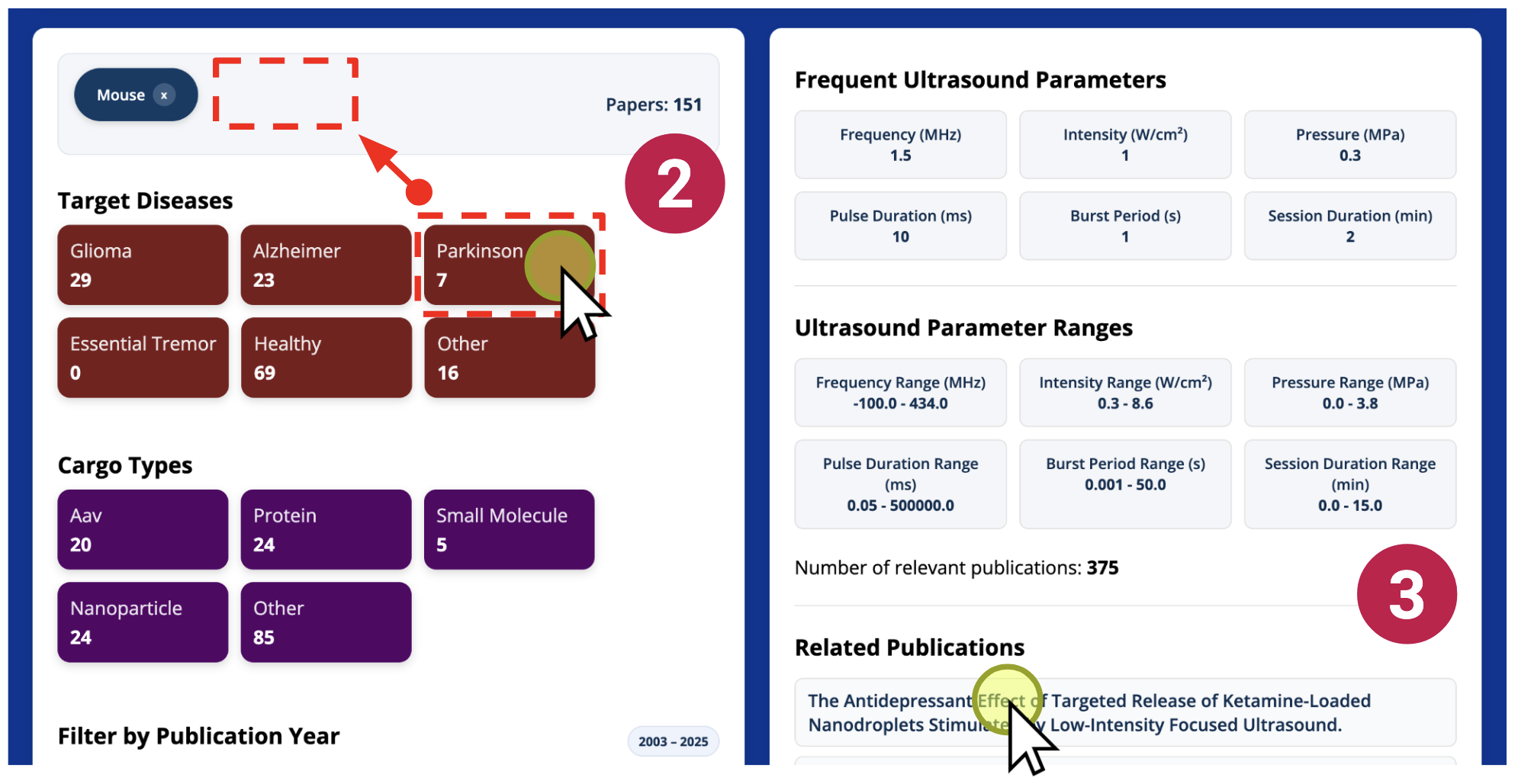
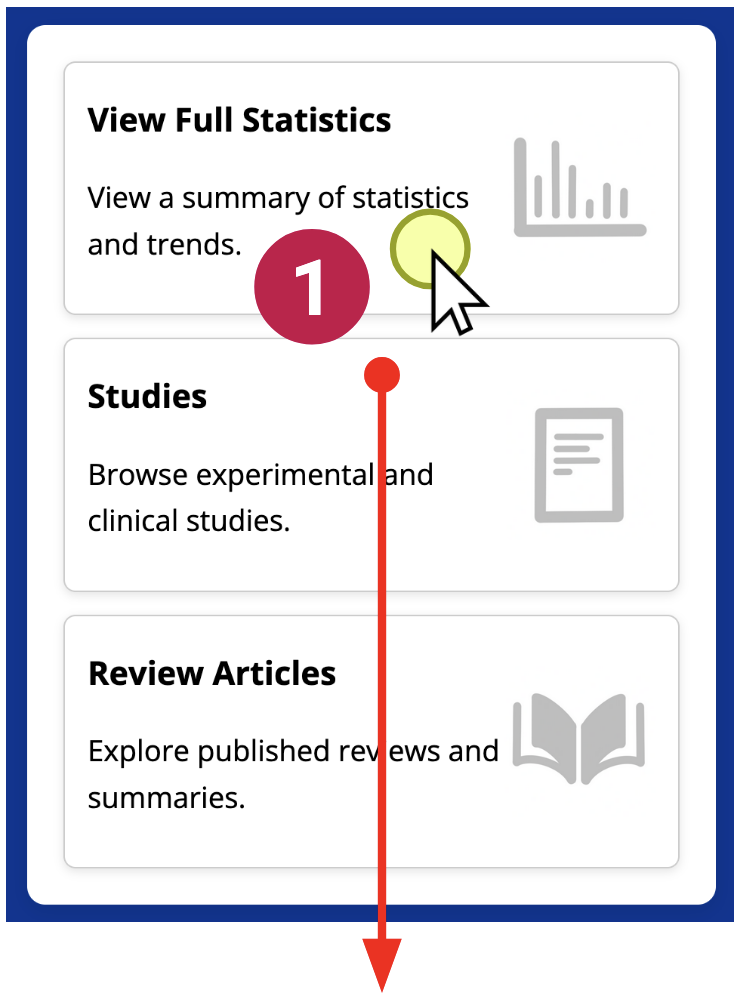
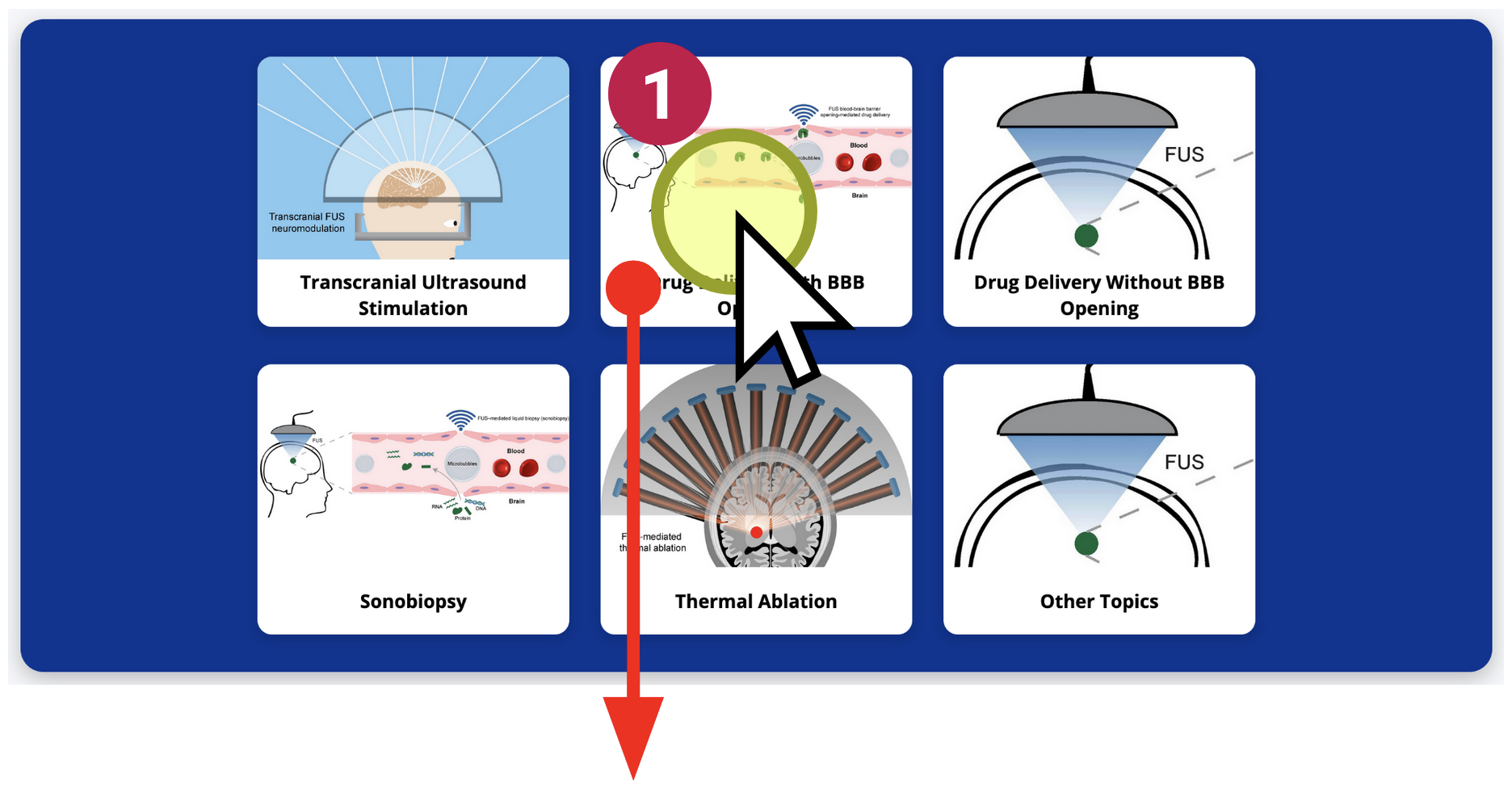
1Explore a one of 6 catalogs for different applications of focused ultrasound by clicking on the “browse” tab in the navigation.
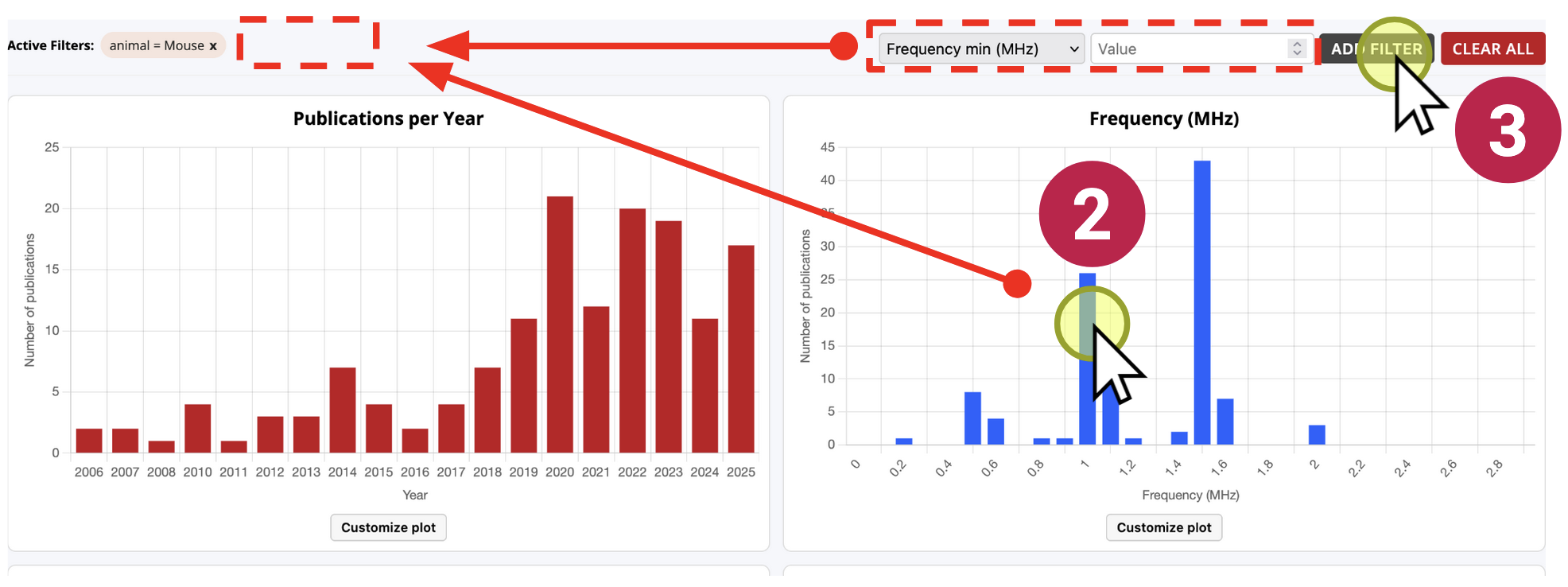
The browse page features a basic overview of the parameters used in existing research. 2Click on one of the parameter options (e.g. Animal model: mouse) to view the parameters for papers that use that component in their research. An indicator for the filter will appear. The parameter summary will be updated to reflect the chosen filter.
A sample of papers fitting the current set of filters will be available. 3Click on one of these papers to view an overview of the paper.